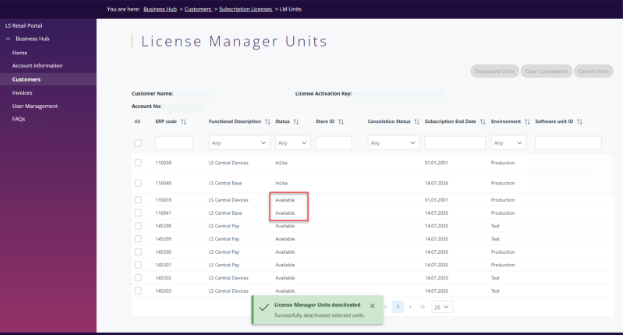
Deactivation of License Manager Units
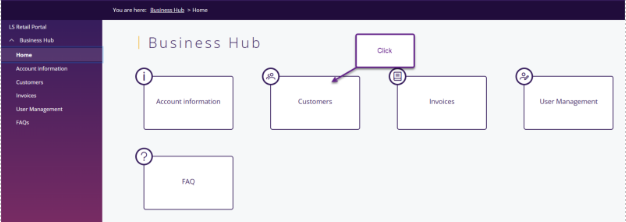
Log into Business Hub and select Customers.
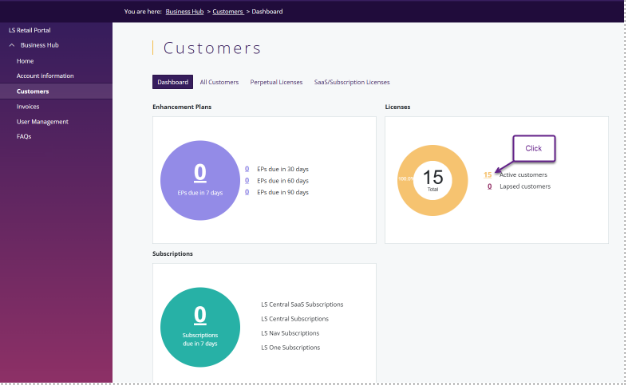
Then select Active Customers
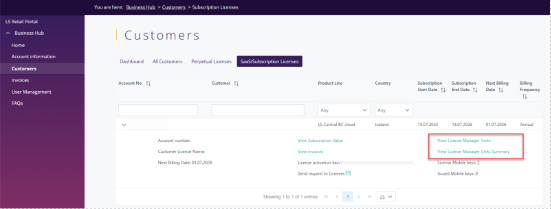
Click on the customer you want to deactivate units for then View License Manager Units summary or View License Manager Units.
Select the units that are in use that you would like to deactivate.
Note > Use Release Units options if D365 BC SaaS companies/environments were removed without releasing the units.
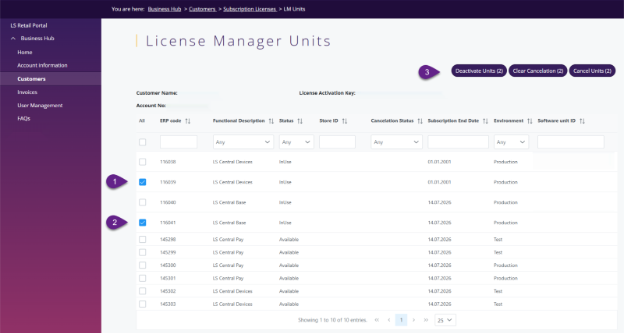
Confirm the units you selected.
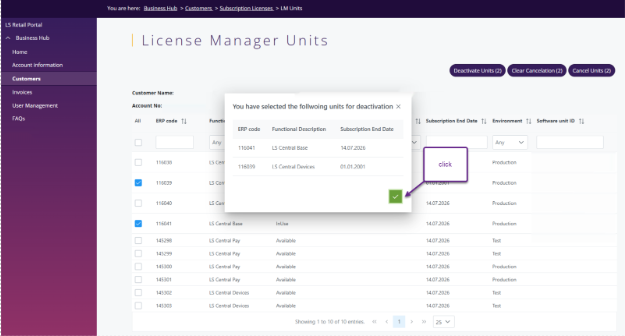
The system will give confirmation that the units were deactivated successfully and status of the units has been changed from In Use to Available for assignment.